
Screen Form Structure (структурное описание главной страницы листа назначений)
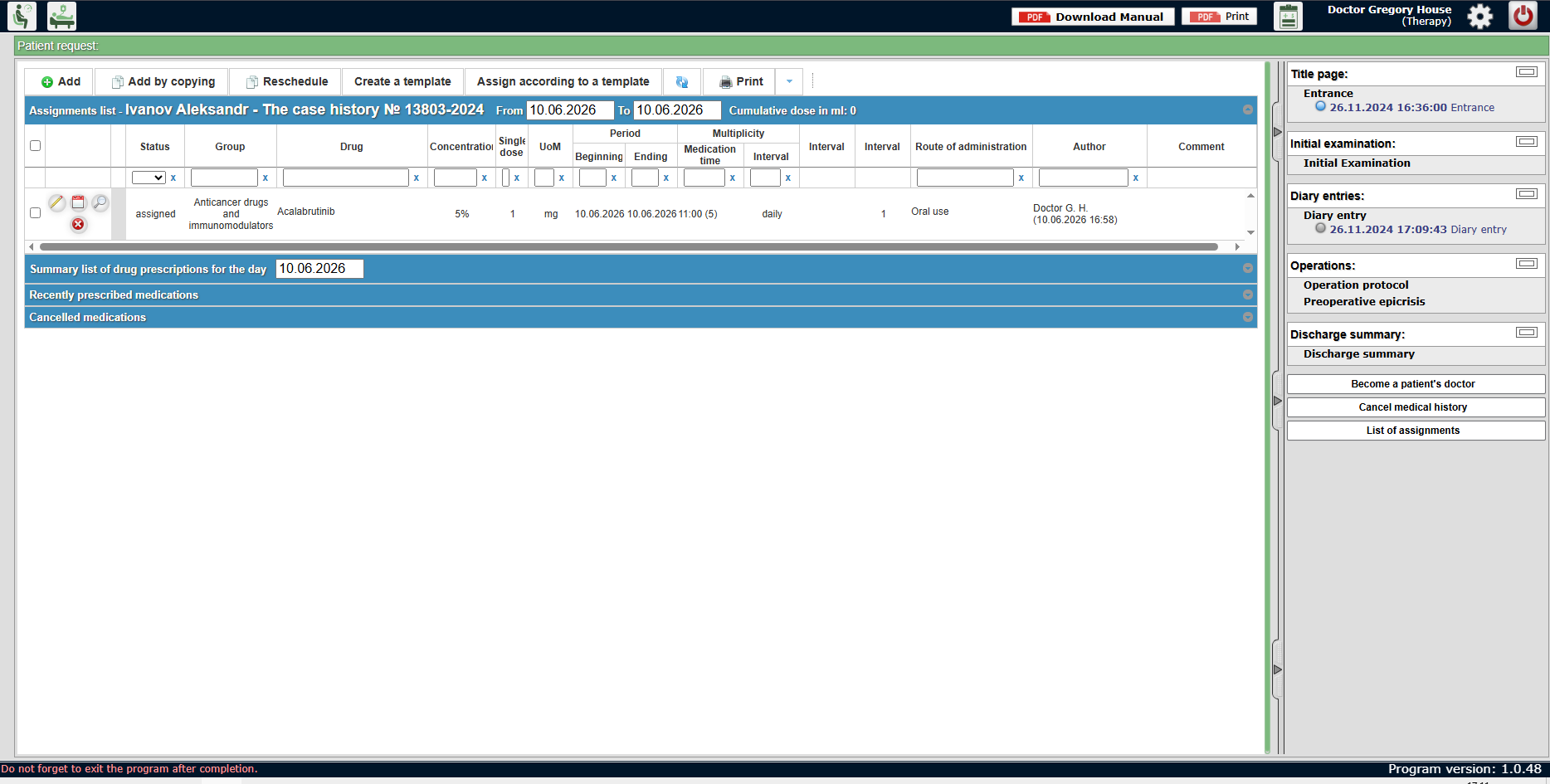
List of Assignments Screen Form Description
1. Position in Hierarchy and Access
- System: Vista-MED.
- Subsystem: Inpatient.
- Window Form: List of assignments, accessed from the context of a specific patient's medical history.
2. Screen Form Structure
Header
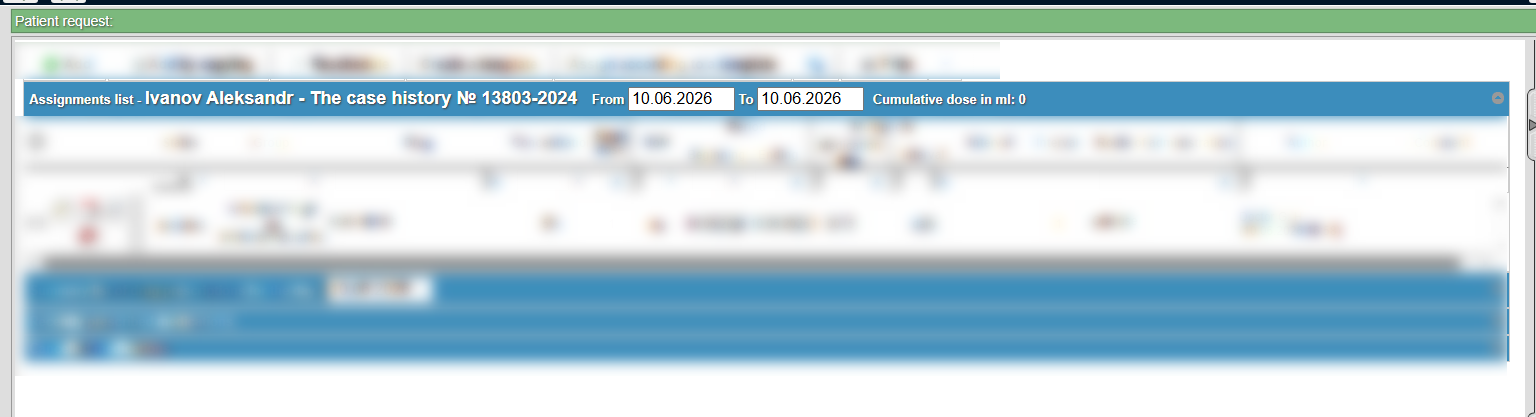
The top section contains the patient identification block and filtering parameters:
- Patient Context: Displays the patient's full name (e.g., "Assignments list - Ivanov Aleksandr"), the case history number (e.g., "The case history № 13803-2024"), and the active date range for data display ("From... To...").
- Information Indicators: Shows the Cumulative dose in ml.
Action Toolbar
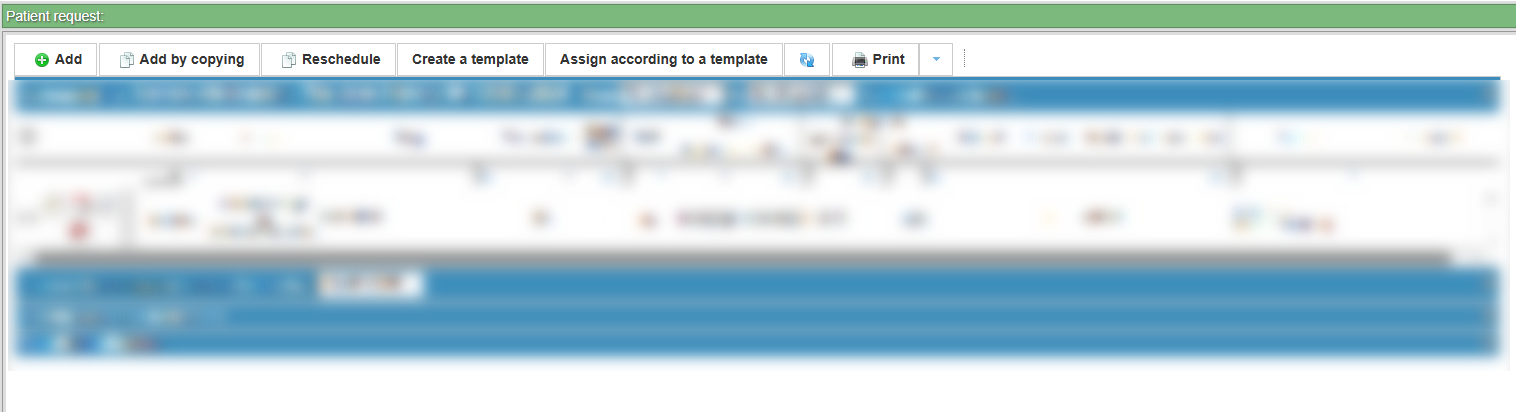
Located at the top of the form, this bar contains buttons for managing assignments:
- Record Management: Add, Add by copying, and Reschedule.
- Template Operations: Buttons to Create a template and Assign according to a template.
- Print and Export: A Print button to generate a hard copy of the assignments list.
Central Table (Assignments List)
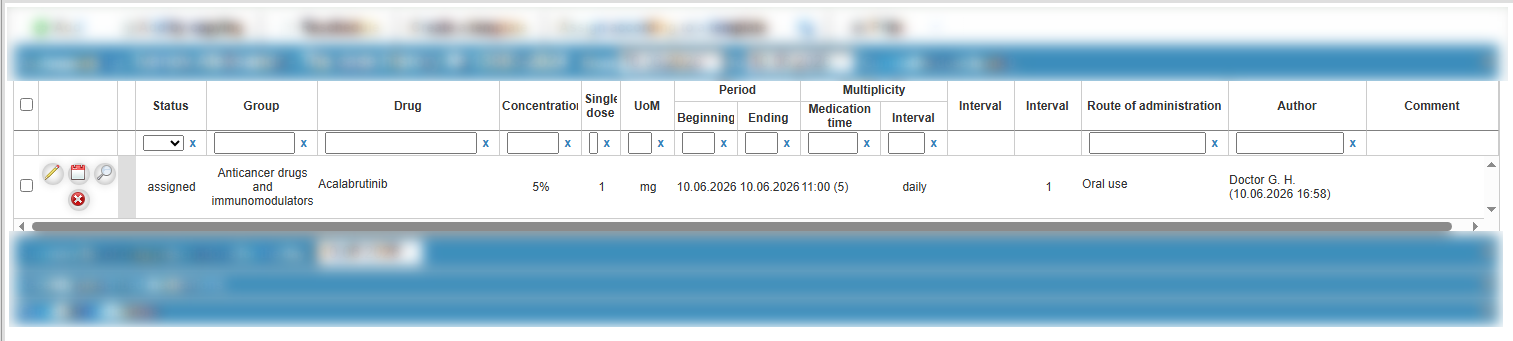
The primary module containing detailed drug therapy information. Main columns include:
- Drug: The name of the medication.
- Dosage: Includes Concentration, Single dose, and UoM (Unit of Measure).
- Period: Beginning and Ending dates of the treatment.
- Multiplicity: Medication time and Intervals.
- Route of administration: How the drug is administered.
- Author & Comment: The physician who created the assignment and any additional clinical notes.
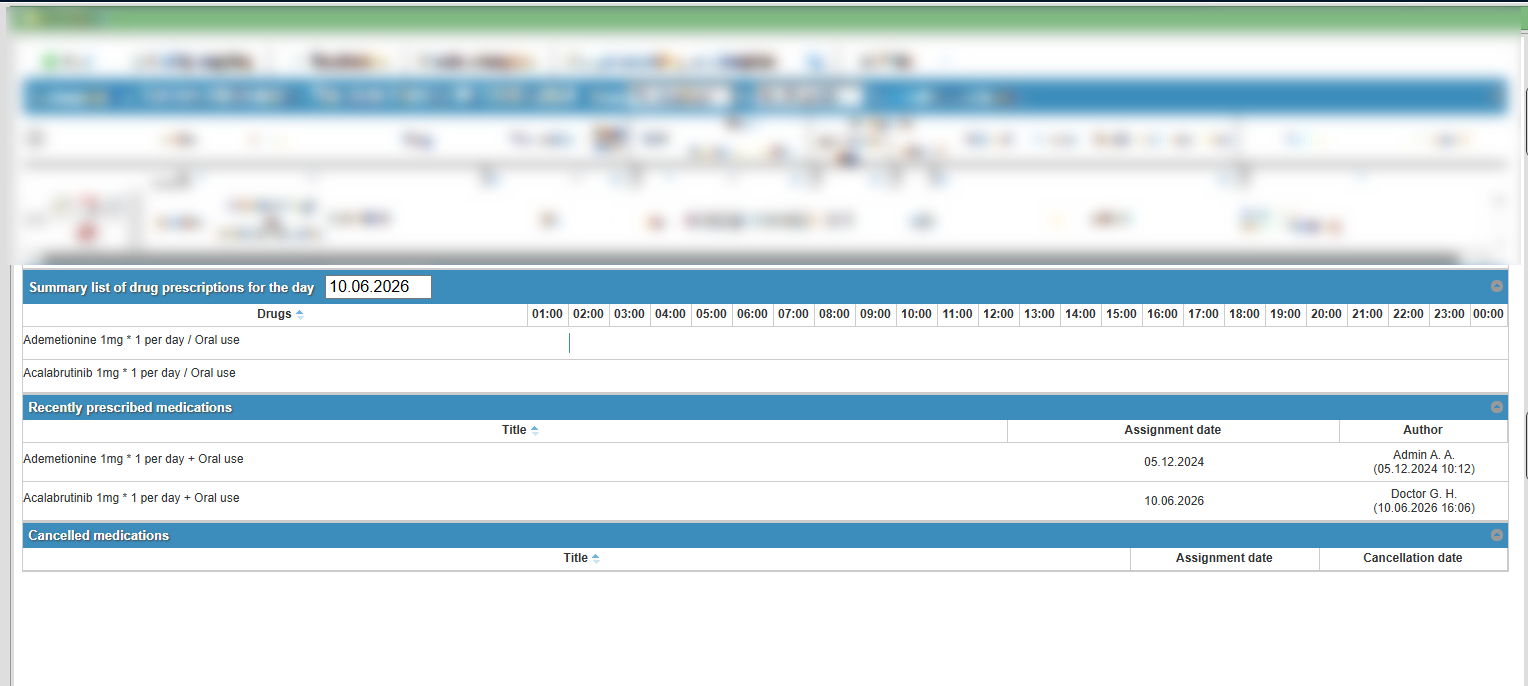
Additional Sections (Bottom Panel)
Collapsible blocks located below the main table for quick status navigation:
- Summary list of drug prescriptions for the day: A consolidated view for the current date.
- Recently prescribed medications: A list of the latest additions to the therapy.
- Cancelled medications: A history of discontinued prescriptions.
Right Panel (Side Navigation)
Displays the medical history structure and allows document switching:
- Sections: Title page, Initial examination, Diary entries, Operations, and Discharge summary.
- Functional Buttons: Become a patient's doctor and a button to refresh or return to the List of assignments.

3. Technical Elements

No comments to display
No comments to display